
AI Chatbot for Website: Complete Integration Guide for 2025
Integrating an AI chatbot for website applications has become essential for businesses looking to provide instant support, engage visitors, and streamline operations. This comprehensive guide covers everything you need to know about implementing effective chatbot solutions on your website.
Why Your Website Needs an AI Chatbot
Modern websites face increasing expectations for instant responses and personalized experiences. AI chatbots address these demands while delivering measurable business benefits.
Key Benefits of Website Chatbots
24/7 Availability
- Instant responses at any time of day or night
- No wait times during high-traffic periods
- Consistent service quality regardless of volume
- Global support across all time zones
Cost Efficiency
- Reduced customer support staffing requirements
- Handle multiple conversations simultaneously
- Lower cost per interaction compared to human agents
- Scalable support without proportional cost increases
Improved User Experience
- Immediate answers to common questions
- Personalized recommendations based on behavior
- Seamless navigation assistance
- Reduced friction in conversion funnels
Data Collection and Insights
- Understand common visitor questions and pain points
- Track user preferences and behavior patterns
- Identify content gaps and improvement opportunities
- Gather feedback for product and service enhancement
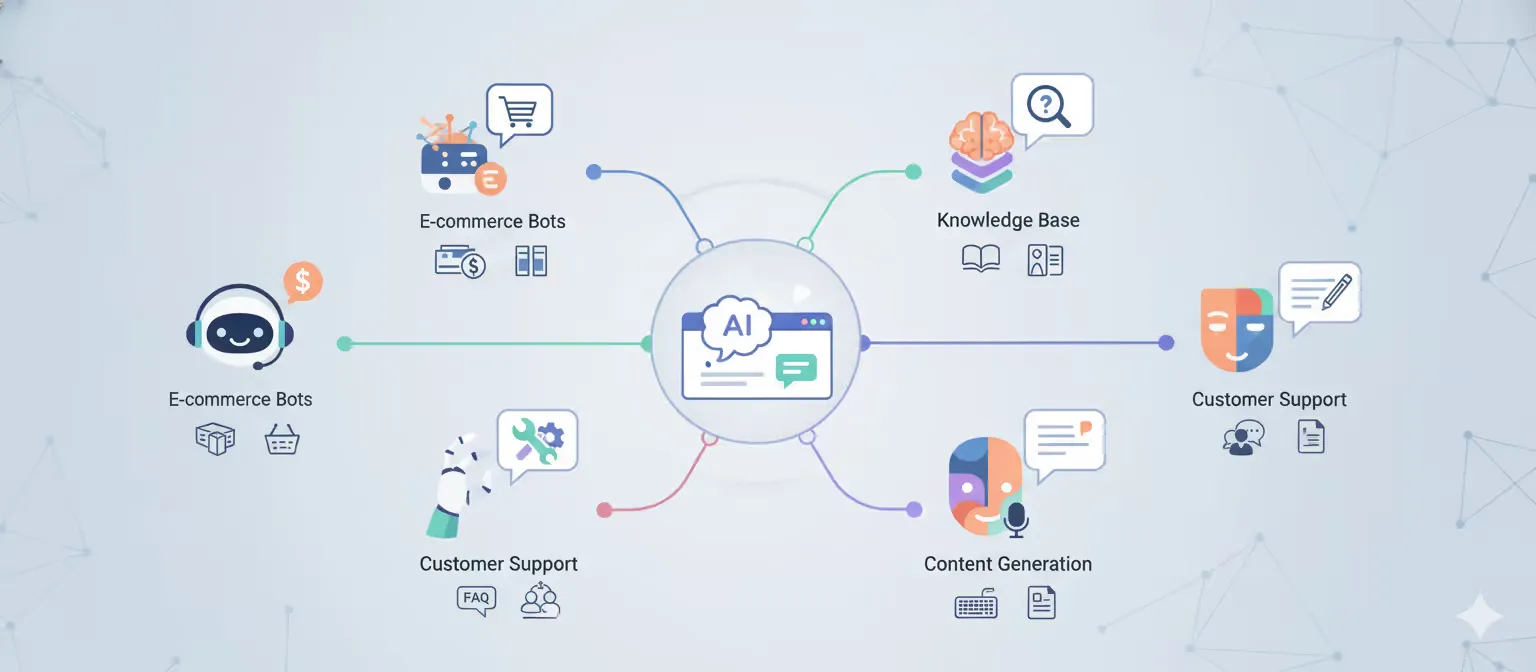
Types of AI Chatbots for Websites
Different chatbot types serve distinct purposes. Choose the right approach based on your objectives:
Rule-Based Chatbots
Characteristics:
- Follow predefined conversation flows
- Handle specific, predictable queries
- Simple decision trees and button-based interactions
- Ideal for FAQs and basic information delivery
Best For:
- Small businesses with straightforward support needs
- Lead qualification forms
- Appointment scheduling
- Basic product recommendations
AI-Powered Conversational Chatbots
Characteristics:
- Natural language understanding capabilities
- Context-aware responses
- Learn from interactions over time
- Handle complex, open-ended questions
Best For:
- E-commerce product discovery
- Technical support
- Complex inquiry handling
- Personalized customer experiences
Hybrid Chatbots
Characteristics:
- Combine rule-based and AI capabilities
- Escalate to human agents when necessary
- Balance automation with personal touch
- Offer structured and free-form interactions
Best For:
- Enterprise customer service
- Financial services requiring compliance
- Healthcare patient support
- High-value sales processes
Key Features of Effective Website Chatbots
When implementing an AI chatbot for website use, prioritize these essential capabilities:
| Feature | Description | Business Impact |
|---|---|---|
| Natural Language Processing | Understands user intent regardless of phrasing | Higher resolution rates |
| Multi-language Support | Communicates in visitor’s preferred language | Global reach expansion |
| CRM Integration | Syncs conversations with customer records | Complete customer view |
| Analytics Dashboard | Tracks performance and user satisfaction | Data-driven optimization |
| Customization Options | Matches brand voice and visual identity | Consistent brand experience |
| Human Handoff | Seamlessly transfers to live agents | Customer satisfaction |
Step-by-Step Integration Process
Successfully deploying an AI chatbot for website applications requires careful planning and execution:
Phase 1: Planning and Design
Define Objectives
- Identify primary use cases (support, sales, engagement)
- Set measurable success metrics
- Determine conversation scope and limitations
- Establish escalation criteria for human handoff
Map Conversation Flows
- Document common user questions and intents
- Design conversation paths for key scenarios
- Create fallback responses for unrecognized queries
- Plan personality and tone guidelines
Select Technology Platform
- Evaluate platforms based on requirements
- Consider integration capabilities with existing systems
- Assess scalability and pricing models
- Review security and compliance features
Phase 2: Development and Configuration
Chatbot Training
- Develop training data covering common queries
- Create intent recognition models
- Build entity extraction for key information
- Test and refine natural language understanding
System Integration
- Connect to CRM and customer databases
- Integrate with knowledge bases and FAQs
- Set up analytics and monitoring tools
- Configure authentication and security protocols
Design User Interface
- Create visually appealing chat widget
- Ensure mobile responsiveness
- Design clear call-to-action buttons
- Implement accessibility features
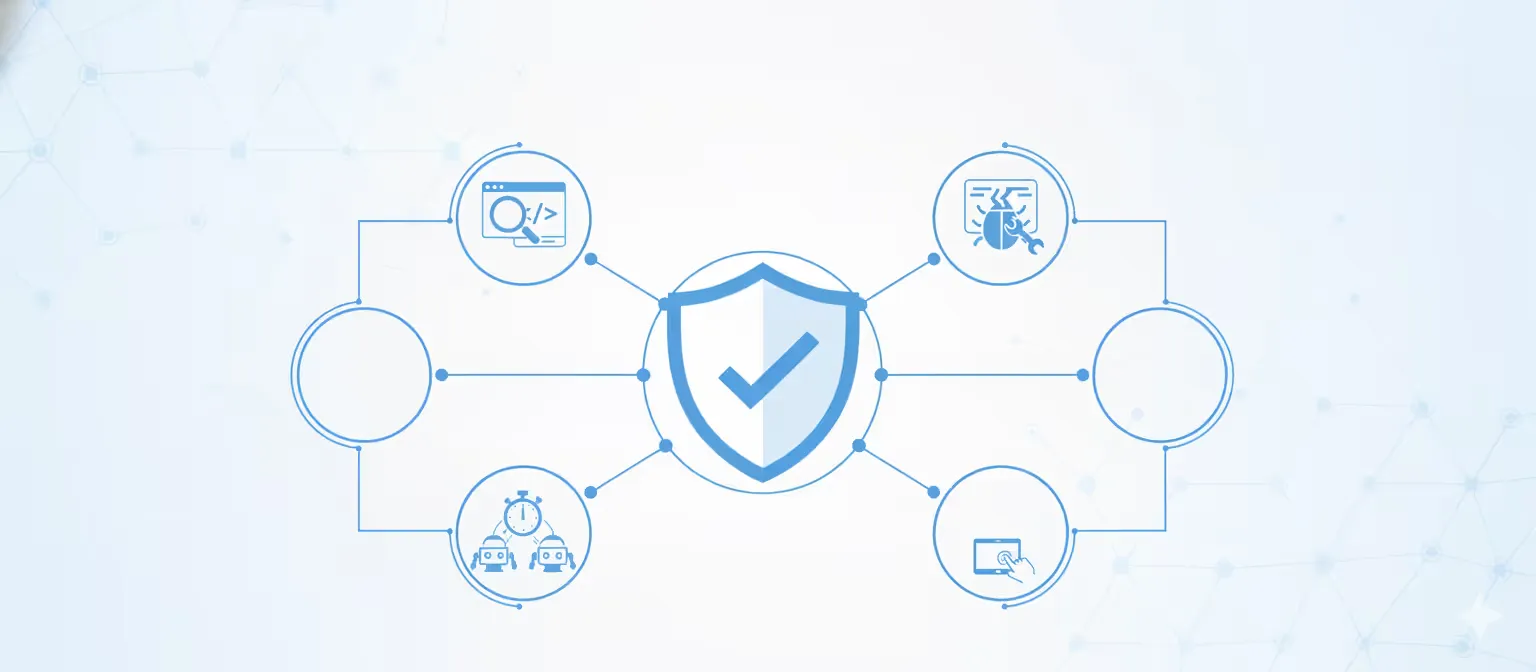
Phase 3: Testing and Quality Assurance
Functional Testing
- Verify all conversation flows work correctly
- Test edge cases and error handling
- Validate integrations with backend systems
- Check performance under load
User Acceptance Testing
- Conduct tests with representative users
- Gather feedback on conversation quality
- Assess ease of use and satisfaction
- Identify improvement opportunities
Security and Compliance
- Audit data handling and storage practices
- Verify encryption and security protocols
- Ensure GDPR/privacy regulation compliance
- Test authentication and authorization
Phase 4: Deployment and Launch
Soft Launch
- Deploy to limited audience initially
- Monitor conversations closely
- Gather early feedback
- Make rapid adjustments as needed
Full Rollout
- Expand to entire website traffic
- Announce chatbot availability to customers
- Train customer service team on escalations
- Establish ongoing monitoring processes
Best Practices for Website Chatbot Implementation
Maximize your chatbot’s effectiveness with these proven practices:
Conversation Design
Set Clear Expectations
- Introduce the chatbot and its capabilities upfront
- Be transparent about AI vs. human interactions
- Explain how to reach human support if needed
- Manage user expectations about response scope
Keep Responses Concise
- Deliver information in digestible chunks
- Use bullet points for complex information
- Provide options to drill deeper when relevant
- Avoid overwhelming users with long messages
Maintain Consistent Personality
- Define clear brand voice guidelines
- Train chatbot to reflect company values
- Balance professionalism with friendliness
- Adapt tone based on conversation context
User Experience Optimization
Minimize Friction
- Allow users to start conversations instantly
- Avoid unnecessary form fields upfront
- Provide quick reply buttons for common paths
- Make it easy to correct misunderstandings
Strategic Placement
- Position chat widget prominently but non-intrusively
- Consider proactive engagement on key pages
- Adjust visibility based on user behavior
- Ensure mobile accessibility
Respect User Preferences
- Allow users to minimize or close chat easily
- Remember conversation context across sessions
- Provide opt-out options for proactive messages
- Respect do-not-disturb settings
Performance Monitoring
Track Key Metrics
- Conversation completion rate
- Average resolution time
- User satisfaction scores (CSAT)
- Escalation to human agents rate
- Conversion impact on business goals
Continuous Improvement
- Regularly review unresolved conversations
- Identify and address knowledge gaps
- A/B test conversation variations
- Update training data based on new patterns
Common Use Cases by Industry
AI chatbots for website applications vary significantly across industries:
E-commerce and Retail
- Product recommendations based on preferences
- Order tracking and status updates
- Size guides and product comparisons
- Cart abandonment recovery
- Post-purchase support
SaaS and Technology
- Product feature explanations
- Troubleshooting technical issues
- Account management assistance
- Onboarding new users
- Feature request collection
Financial Services
- Account balance inquiries
- Transaction history access
- Fraud alert assistance
- Loan application guidance
- Investment information
Healthcare
- Appointment scheduling
- Symptom checkers (with disclaimers)
- Insurance coverage questions
- Prescription refill requests
- Patient portal navigation
Education
- Admissions information
- Course recommendations
- Schedule and registration help
- Campus resource guidance
- Student support services
Integration with Data Analytics Platforms
A unique application of AI chatbots for websites is enabling conversational data analytics:
Conversational Data Access
Organizations with complex data needs can leverage chatbots to:
- Allow employees to query business databases conversationally
- Provide instant access to KPIs and metrics
- Generate reports through natural language requests
- Democratize data access across the organization
- Reduce dependency on data teams for routine queries
Implementation Approach
Data Security Layer
- Implement role-based access controls
- Ensure queries respect data permissions
- Audit all data access through chatbot
- Encrypt sensitive information
Query Understanding
- Train chatbot on business terminology
- Map natural language to database queries
- Validate query safety before execution
- Provide context-aware suggestions
Visualization Integration
- Generate appropriate charts and graphs
- Present data in digestible formats
- Enable drill-down for deeper analysis
- Support export to common formats
Measuring Chatbot ROI
Demonstrate the value of your AI chatbot for website investment:
Quantitative Metrics
Cost Savings
Support Tickets Handled by Chatbot × Average Cost per Human-Handled Ticket
= Monthly Cost Savings
Conversion Impact
(Conversion Rate with Chatbot - Baseline Conversion Rate) × Total Visitors
= Additional Conversions Attributed to Chatbot
Efficiency Gains
- Reduction in average handling time
- Decrease in support ticket volume
- Increase in self-service resolution rate
- Improvement in first contact resolution
Qualitative Benefits
- Enhanced brand perception
- Improved customer satisfaction
- Competitive differentiation
- Valuable customer insights
- Innovation platform for new services
Future Trends in Website Chatbots
Stay ahead of the curve with emerging chatbot technologies:
Voice Integration
Next-generation website chatbots will support voice interactions, allowing users to speak questions rather than type them.
Emotion Detection
Advanced AI will detect user sentiment and emotional state, adjusting responses accordingly to improve satisfaction.
Proactive Assistance
Predictive AI will anticipate user needs based on behavior patterns, offering help before users ask.
Augmented Reality
Chatbots will integrate with AR to provide visual guidance and immersive support experiences.
Advanced Personalization
Machine learning will enable hyper-personalized experiences based on comprehensive user profiles and behavior history.
Conclusion
Implementing an AI chatbot for website applications represents a strategic investment in customer experience and operational efficiency. Success requires careful planning, thoughtful conversation design, robust technology selection, and continuous optimization based on user feedback and performance data.
Whether you’re looking to automate customer support, increase conversions, or provide innovative data access through conversational interfaces, the right chatbot solution can transform how visitors interact with your website and your organization.
The key is starting with clear objectives, choosing technology that scales with your needs, and maintaining a relentless focus on delivering value to your users through every conversation.
Explore how ChatDBee extends the power of AI chatbots beyond customer service to conversational data analytics, enabling your team to interact with business data as easily as chatting with a colleague.
Related resources
- ChatDBee — Drop-in conversational analytics and website chat experiences that can answer data questions in plain English.
- DialogOps — Design proactive website chat playbooks, route complex cases, and coordinate human handoff.
- RetainIQ — Build retention-focused chatbot journeys that personalize offers and reduce abandonment.
- Churno — Use chatbot signals to identify churn risk and trigger save-actions in real time.
- NexAsset — Keep content and data assets organized so your website chatbot always references the right, up-to-date sources.
- Truvida — Enforce data governance and response quality controls for AI assistants embedded in your site.
- TurboMigrate — Smoothly connect your chatbot to modernized backends after database or CMS migrations.